*Project: Follow the Light - Bittle X does not move until it sees a light shining on it, and then it follows the direction of the light.
Thinking About the Task
Initial Setup
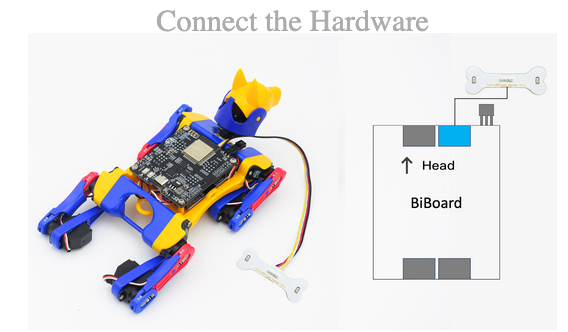
Be sure to connect the light sensor properly.
Let’s Code!
Task 1: Make Bittle X Sound an Alarm if the Light Value is Low
Make this code:
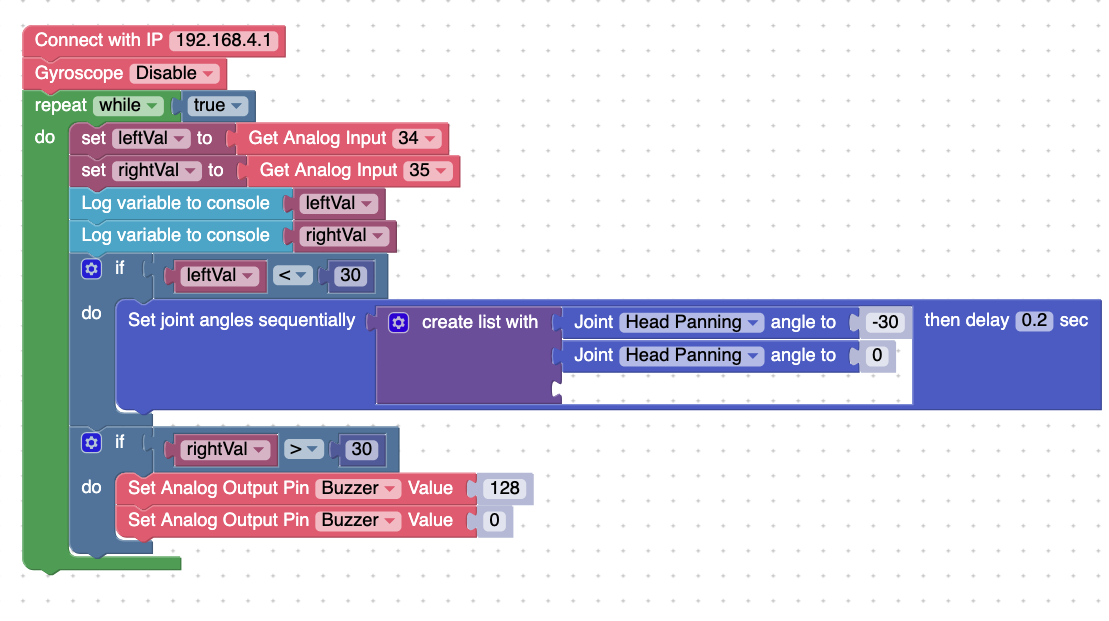
Summary: See the explanation of the code below.
Code Block: Analog Read
In this code, the value of the light is written to the variable leftVal and rightVal.
The code does the following:
If pin 34 returns a value less than 30,
Shake head;
Else:
Don’t shake head;
If pin 35 returns a value greater than 30,
Turn on the buzzer;
Else:
Turn off the buzzer;
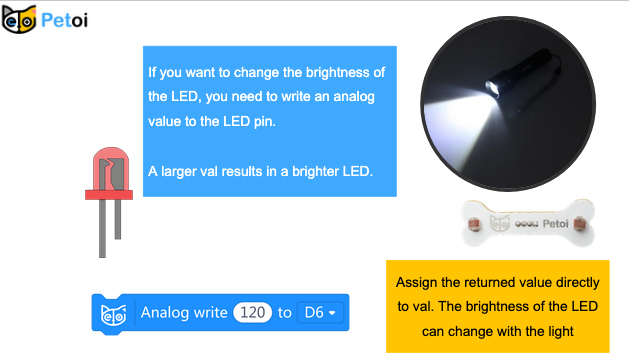
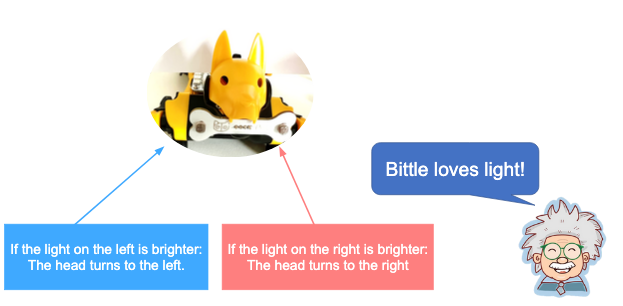
Task 2: Make Bittle X’s Head Follow the Light
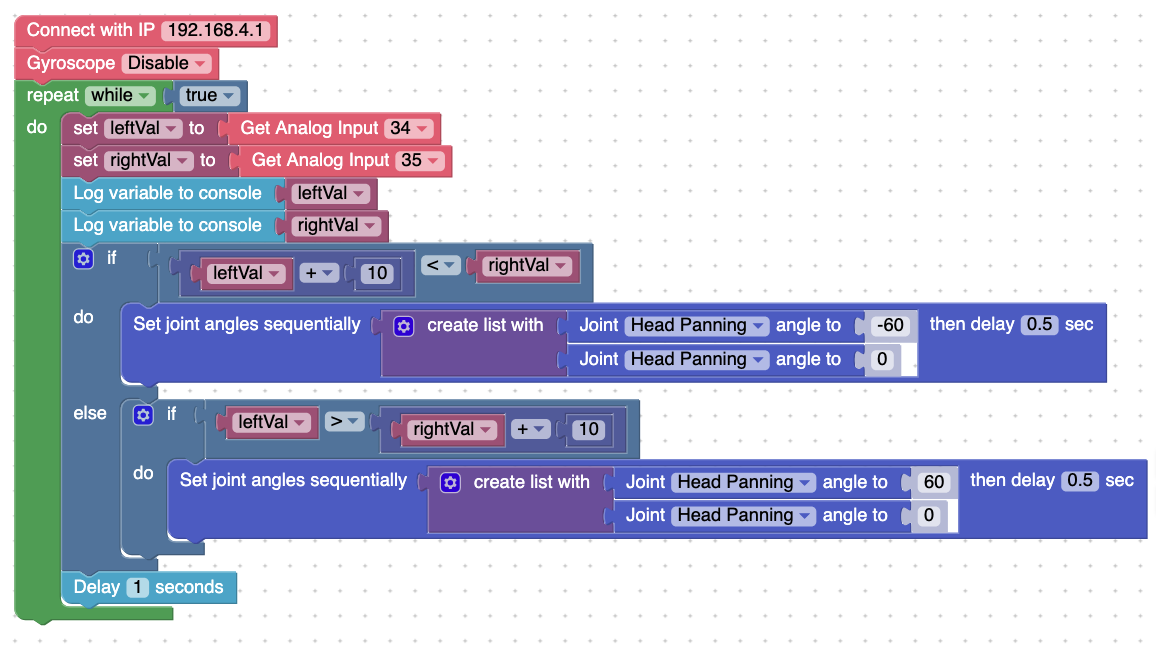
This code will have Bittle X’s head pan towards a source of light. Otherwise, Bittle’s head does not move.
Project Takeaways
- Bittle X’s light sensor can be used for tracking the amount of light.
You-Try
- Make a program where Bittle X reacts to different amounts of light.